
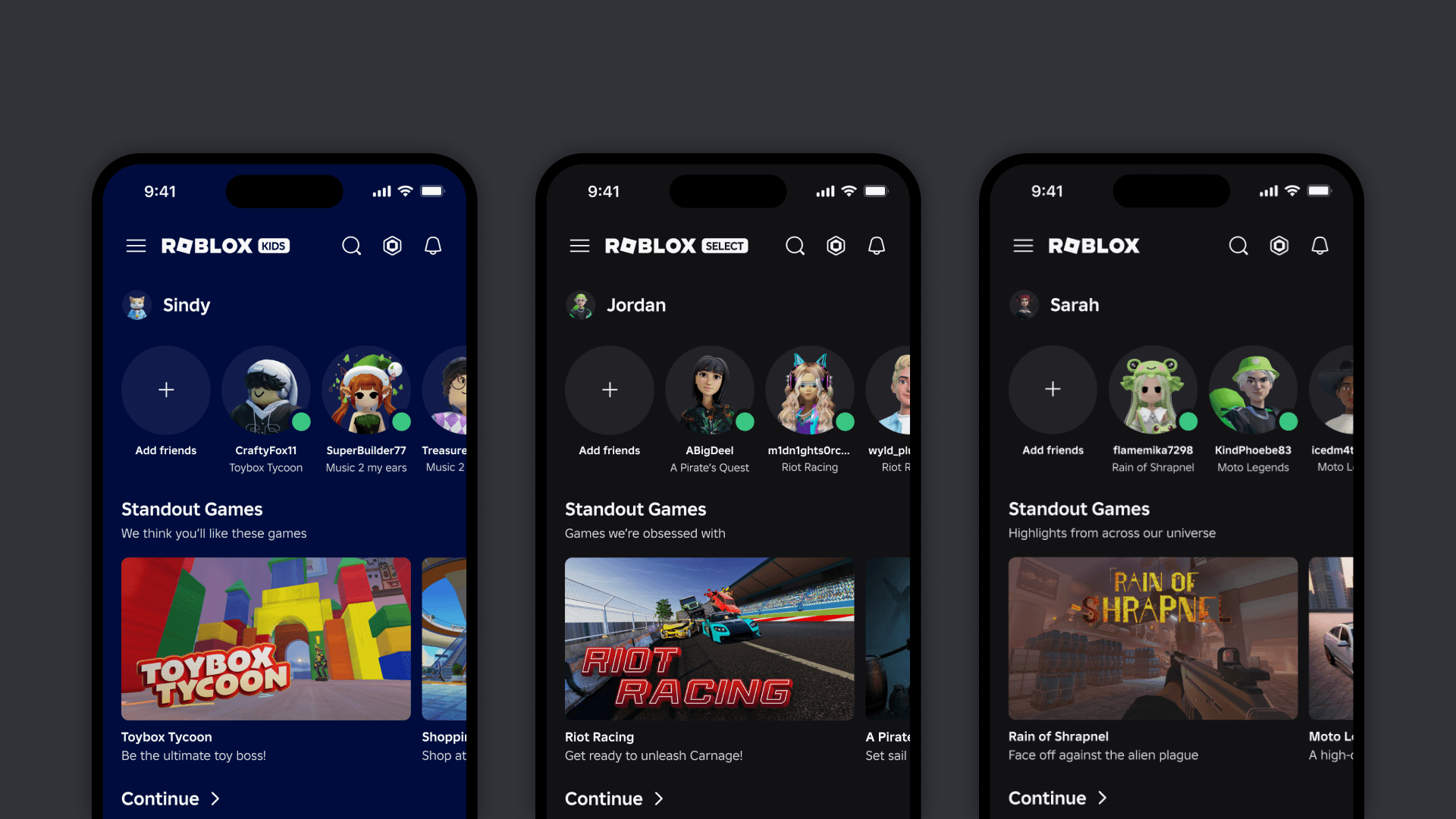
If you logged into Roblox today and realized your chat is completely missing, or you can no longer find the Discord links on your favorite game pages, you aren't alone. Following a limited test phase, Roblox has officially flipped the switch on a massive global rollout of their new age-based account system: Roblox Kids and Roblox Select.
This update drastically changes who can chat, what games you can play, and most importantly, how you find promo codes. Here is everything you need to know about the new update.
The New Account Tiers Explained
Roblox now automatically sorts players into one of three main tiers based on their verified age (via Facial Age Estimation or government ID):
Roblox Kids (Ages 5–8): The strictest setting. You only have access to games rated "Minimal" or "Mild". Chat is turned completely off by default unless a linked parent manually enables it.
Roblox Select (Ages 9–15): Unlocks access to "Moderate" rated games. Chat features are gradually introduced based on your exact age and region, but there are still heavy safeguards in place.
Standard Accounts (16+): If you are 16 or older and age-verified, your experience remains completely unchanged.
Where Did the Developer Social Media Links Go?
A massive change in this update is how Roblox handles social media. If your account is under 16, Roblox is no longer allowing you to see or share social media links on user profiles, game detail pages, or the Creator Hub.
If you used to scroll down on a game's page to click the developer's Discord or X (Twitter) icon to hunt for new promo codes, those buttons are now completely invisible to you if you are locked to the Kids or Select tiers.
How to Get Game Codes Without Discord
Because Roblox is hiding social links from younger players, finding developer code drops is harder than ever. The great news? You can still use RoCodes to get all your free loot!
Our database bypasses the need for you to dig through Discord servers. We verify codes from developers the second they drop. Furthermore, redeeming promo codes for in-game items does not require you to use the Roblox chat box.
How to redeem codes on your new account:
Search for your favorite game right here on RoCodes.
Copy the active code from our list.
Launch the game (as long as your account tier allows you to).
Paste the code directly into the game's code-redemption UI window (usually a Twitter bird icon or a "Codes" button) to claim your free rewards.
How to Fix Disabled Chat and Missing Games
If you want to unlock your account features, you will need to complete an age check in your Account Settings. Additionally, Roblox has vastly expanded Parental Controls. If your parent links their account to yours, they can use the new Game Approval Feature to manually grant you access to specific games that are outside your default age tier.
Don't let the update slow your grind!
Make sure to bookmark the RoCodes Homepage and check back daily. Our automated system finds the newest working codes faster than anyone else, ensuring you never miss out on free limited-time loot, no matter what account tier you are in!